

How to Start with cURL: A Simple Introduction

If you’re starting your web development journey, you’ve probably heard words like server, API, and HTTP requests thrown around a lot. It can feel overwhelming at first.
This article is here to make cURL feel friendly, not scary.
By the end, you’ll understand what cURL is, why programmers use it, and how to make your first request from the terminal with confidence.
First Things First: What Is a Server?
A server is just a computer whose job is to listen for requests and send back responses.
Examples:
When you open a website → a server sends you HTML
When you log in → a server checks your data
When you fetch posts → a server sends JSON data
So web development is basically about talking to servers.
How Do We Talk to Servers?
Usually, we use a browser:
You type a URL
The browser sends a request
The server sends a response
The browser shows it nicely
But as developers, we don’t always want a browser.
Sometimes we want to:
Test APIs
Debug backend responses
Send requests directly
Work faster from the terminal
That’s where cURL comes in.
What Is cURL? (Super Simple Explanation)
cURL is a tool that lets you send messages to a server from the terminal.
Think of it as:
A browser without buttons, images, or UI — just raw communication.
You type a command → cURL sends a request → the server responds → you see the result.
Why Programmers Need cURL
Programmers use cURL because it helps them:
Talk directly to servers
Test APIs without writing code
Understand how HTTP works
Debug backend issues
Automate requests
If you’re learning backend or full-stack development, cURL is a superpower.
cURL → Server → Response (The Big Picture)

The flow is always the same:
You send a request using cURL
The server receives it
The server sends back a response
cURL prints the response
Your First cURL Command
Let’s start with the simplest possible request.
curl https://example.com
That’s it. No flags. No complexity.
What happens?
cURL sends a GET request
The server responds with HTML
cURL prints it in the terminal
Congrats 🎉 You just talked to a server.
Understanding the Response
When a server responds, it usually sends:
Status Code – tells what happened
200→ Success404→ Not Found500→ Server Error
Data – the actual content
HTML (webpages)
JSON (APIs)
Text or files
So when you see a long output in the terminal, that’s real data from a real server.
Browser vs cURL (Conceptual Difference)

| Browser | cURL |
| Visual & user-friendly | Text-based |
| Hides details | Shows raw data |
| Great for users | Great for developers |
Both talk to servers — just in different ways.
GET and POST (Only What You Need)
Let’s keep it simple.
GET Request (Fetching Data)
curl https://api.example.com/posts
Use GET when you:
Fetch data
Read information
POST Request (Sending Data)
curl -X POST https://api.example.com/posts
Use POST when you:
Send data
Create something new
Don’t worry about flags yet — understanding why matters more than memorising syntax.
Using cURL to Talk to APIs
APIs are servers that return data instead of web pages.
Example:
curl https://jsonplaceholder.typicode.com/posts
The response looks like JSON — because that’s what backend servers usually send.
This is exactly how:
Frontend talks to backend
Mobile apps talk to servers
Microservices communicate
Basic HTTP Request & Response Structure
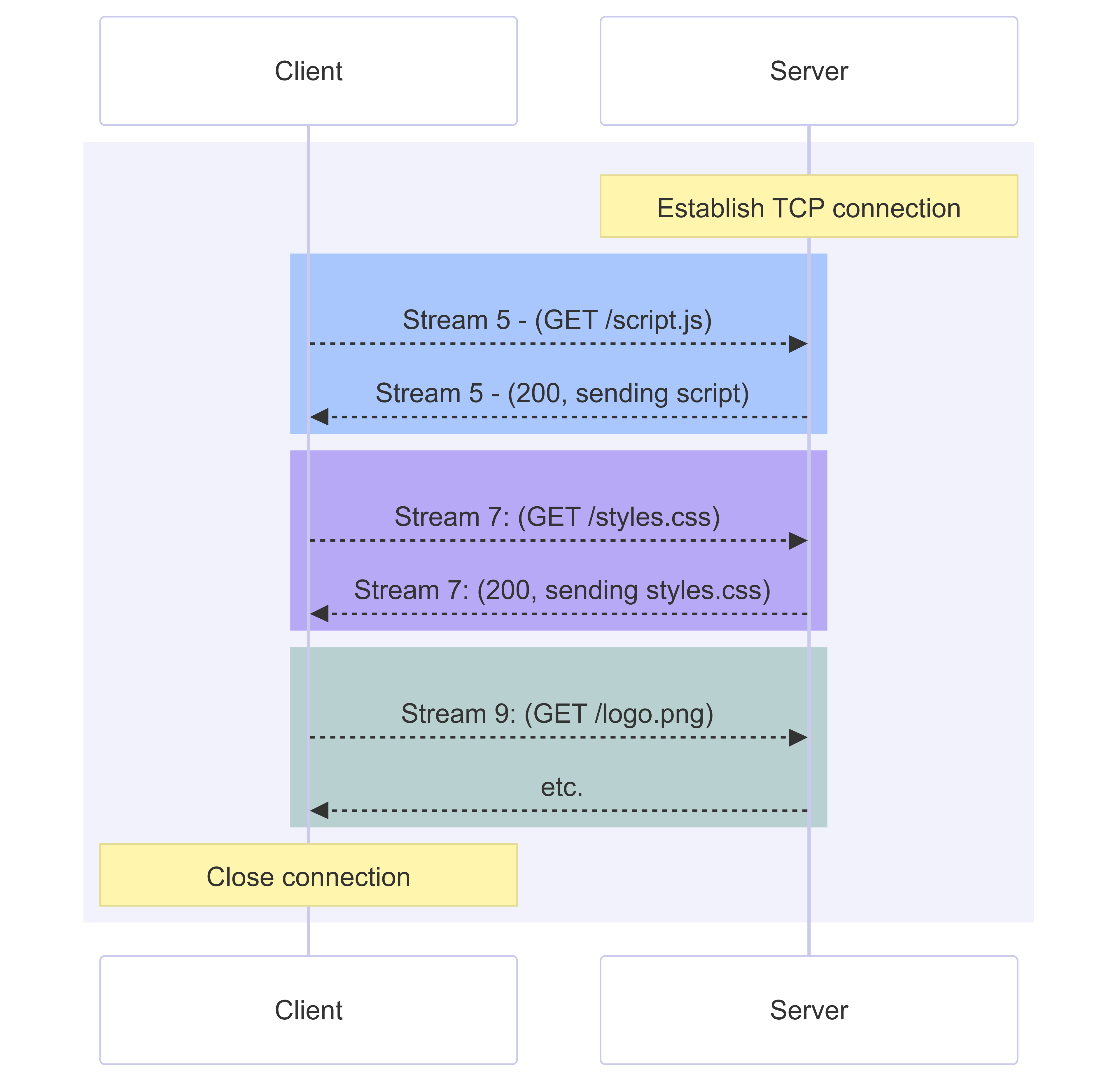
Request
Method (GET / POST)
URL
Headers (optional)
Body (optional)
Response
Status code
Headers
Data
cURL helps you see this clearly, without magic.
Where cURL Fits in Backend Development

Backend developers use cURL to:
Test endpoints
Debug responses
Verify authentication
Simulate client requests
It’s often the first tool used before writing frontend code.
Common Mistakes Beginners Make
Here are a few things to watch out for:
Trying too many flags too early
Copy-pasting commands without understanding
Expecting browser-like output
Panicking when seeing raw JSON
Forgetting that errors are normal
Mistakes mean you’re learning. That’s a good sign
Final Thoughts
cURL isn’t about memorizing commands.
It’s about understanding:
How clients talk to servers
How requests and responses work
How the web really functions
Once this clicks, backend development becomes far less mysterious.
Take it slow. Stay curious. You’ve got this
Comments
Join the discussionNo comments yet. Be the first to comment.


